

WHAT DO I NEED TO GET STARTED?
Components and Pricing
First question we always get is “what do I need to get started?”
While LEADNAV Systems was formed to provide endless capabilities to the professional individual or group, right out of the gate we offer anyone looking to improve their capabilities “off the grid” with a powerful set of tools to get started.
Let's get you up and running!



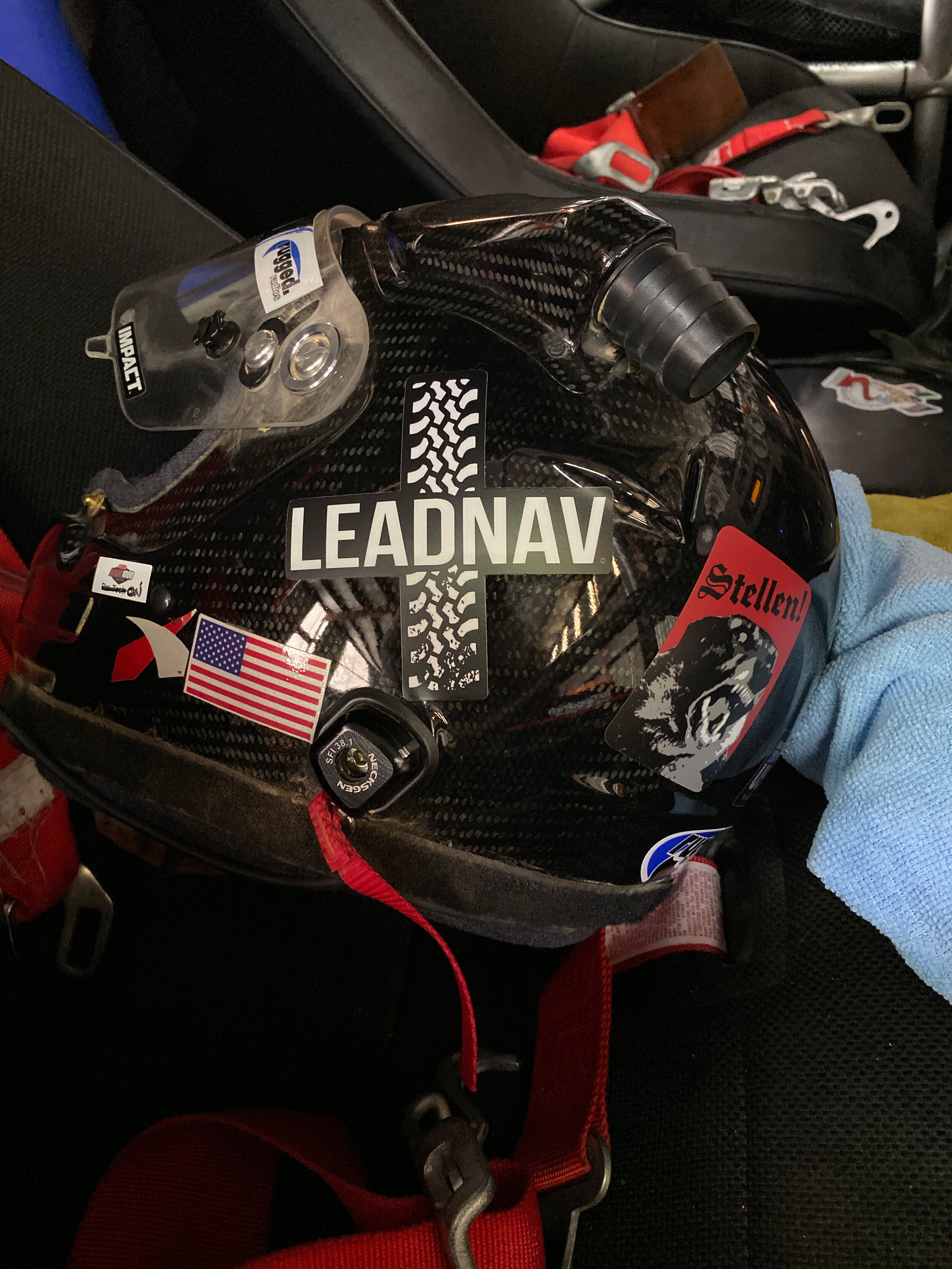
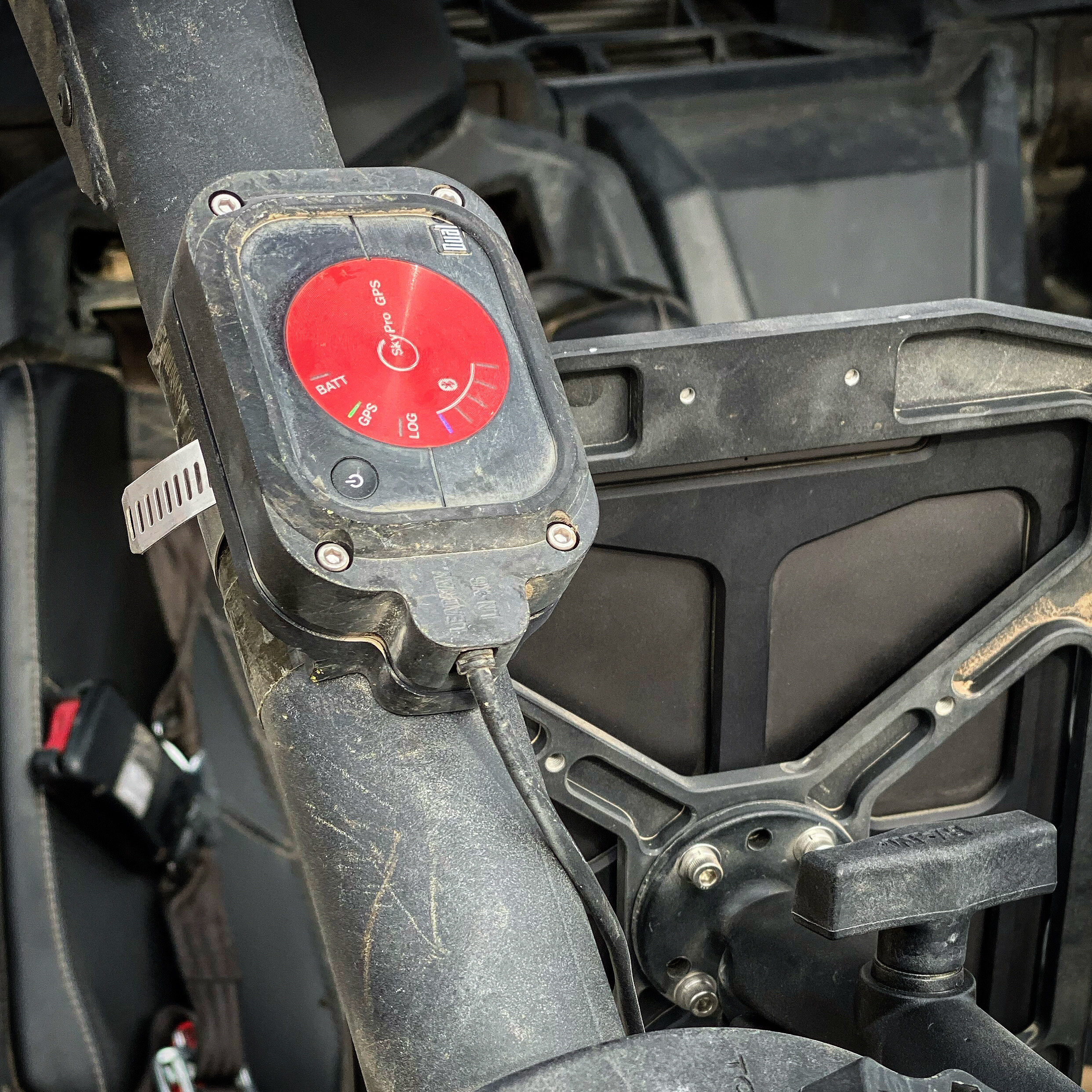
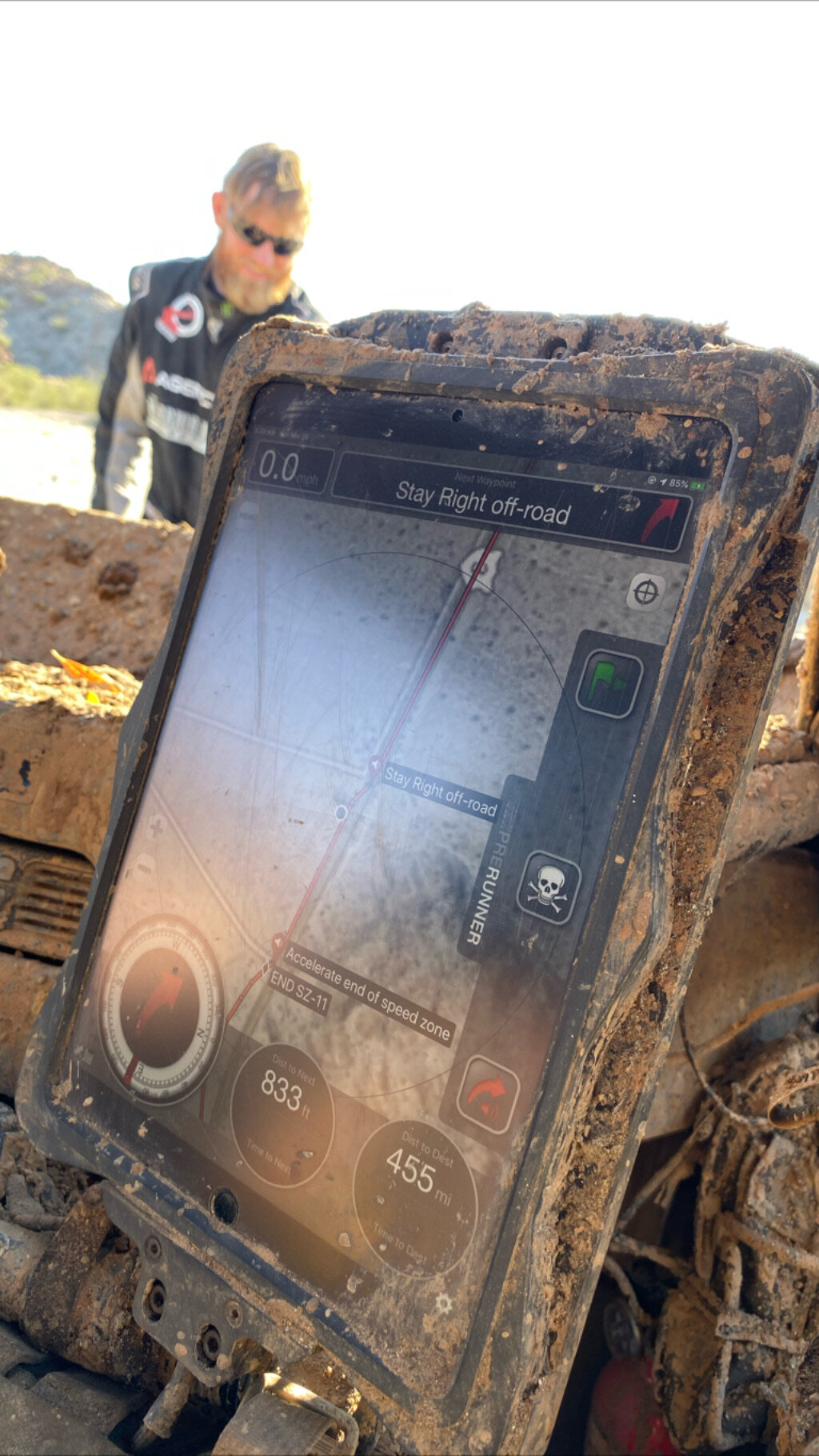

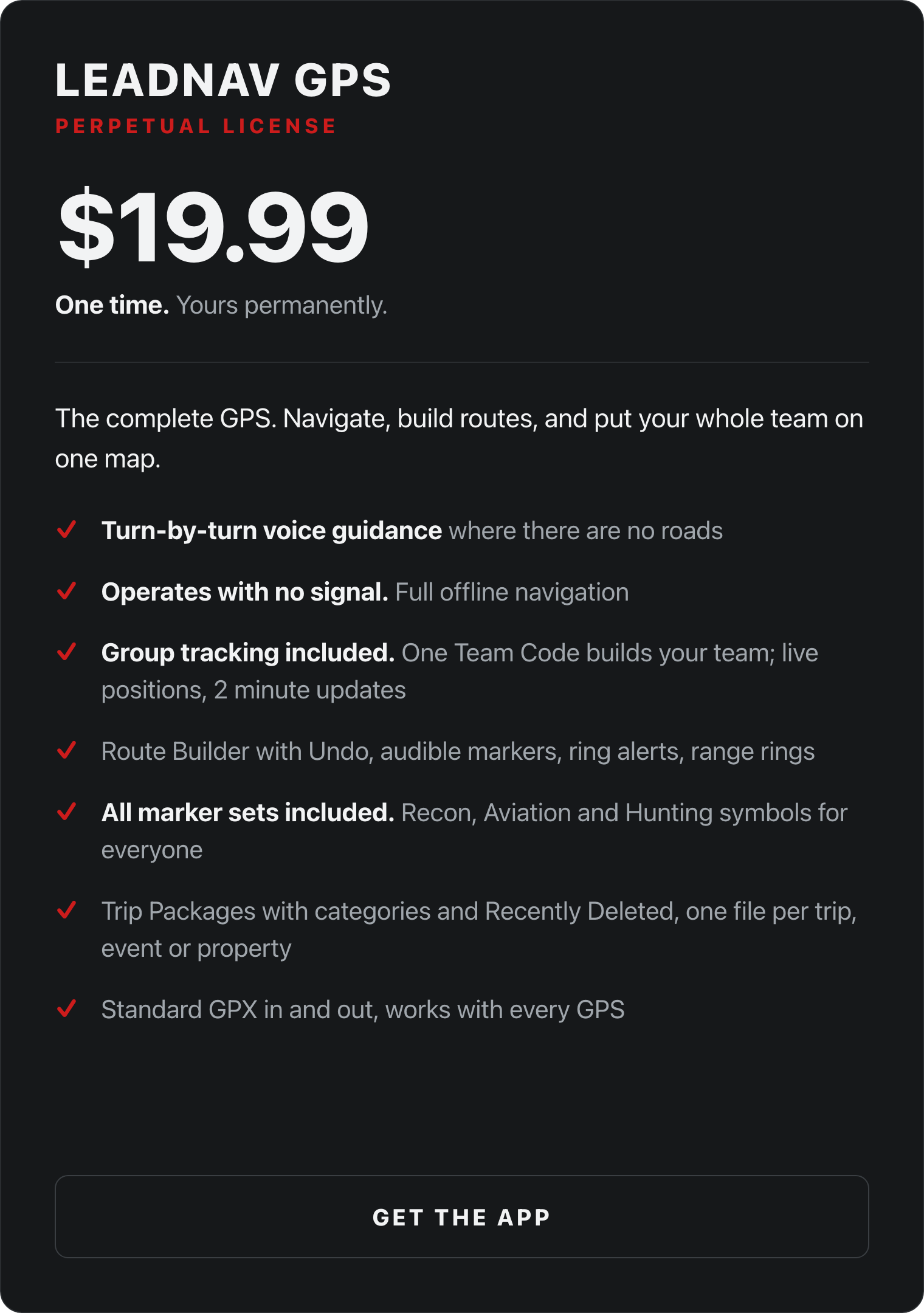
LEADNAV GPS
Core iOS Application
Step 1
This is the most powerful piece we provide at the core of everything we do
Go to the Apple App Store on any iPhone or iPad and purchase the LEADNAV GPS core application for a one-time cost of $19.99

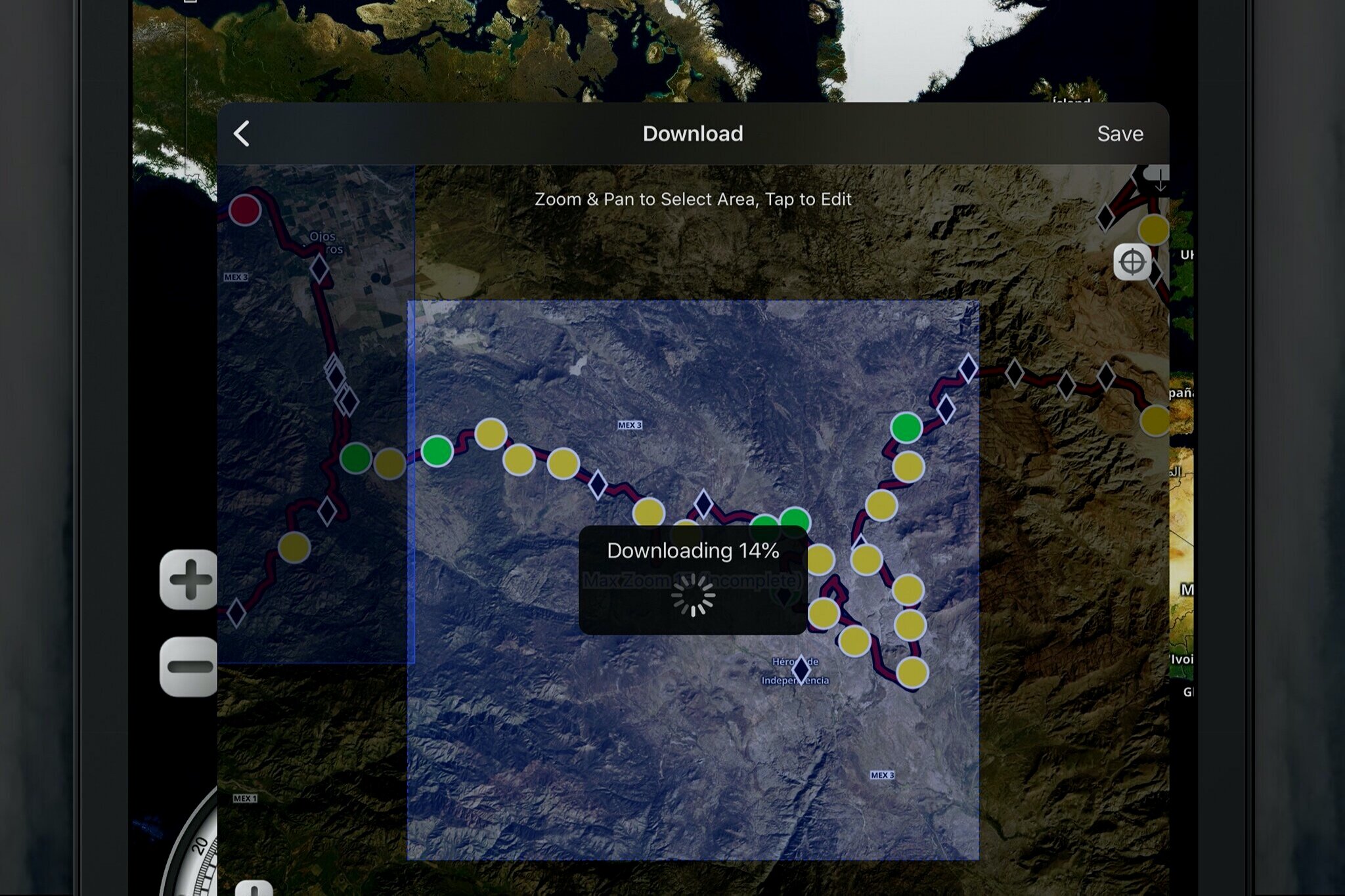
If a better GPS interface for off-road use is what you were looking for…that may be all you need!
Go visit our online training and join the team to get started!
If you want offline background map imagery when not in cellular/WiFi range (not just a gray background) or want some more sophisticated features… proceed to Step 2
Don’t have an iPhone or iPad…Go get one!
Bottom line we recommend a Cellular+WiFi model iPad or iPhone for its built in GPS chip (WiFi only iPads do not have this. You do NOT need the actual cell service or plan)
See our online store for the hardware packages we build with devices we currently recommend.
“But I am an Android user”
That is fine. We build on one platform so we can support it properly rather than support two of them badly. Plenty of our customers keep their Android phone and run LeadNav on a used iPad as a dedicated GPS. It never needs a SIM card.
Stay an Android user…but buy LEADNAV on an iPad or iPhone for your GPS!
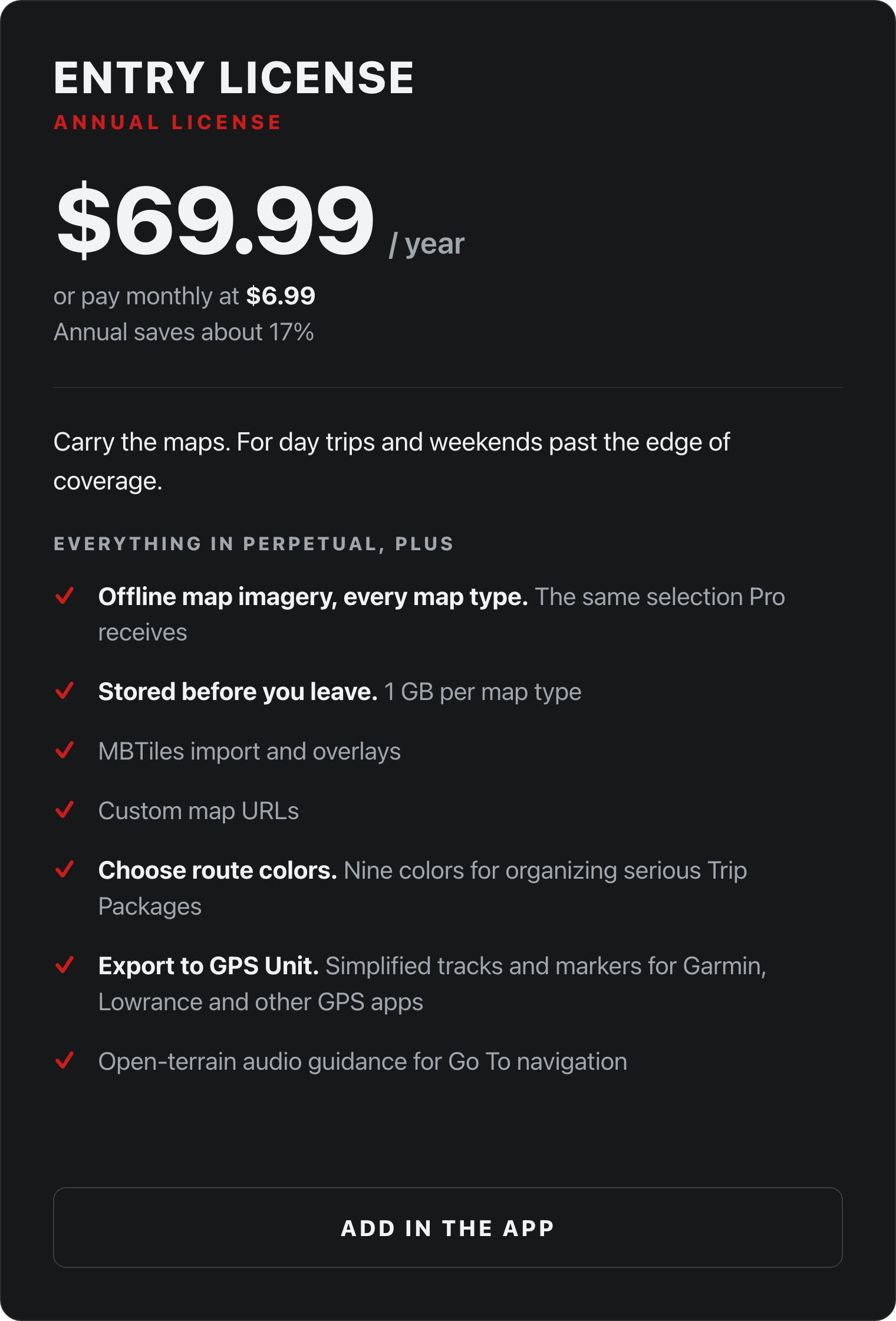
LEADNAV GPS LICENSEs
In App Options
Step 2
If more sophisticated features and the ability to prep and store offline background map imagery is what you need
let’s decide if the Entry or Pro license is right for you
Licenses are priced for “your” personal devices!
Meaning they share through your Apple account for your iPhone, iPad, maybe another larger iPad Pro that you use at home for planning, etc…
They will not share between your family members, teammates or buddies.
Some teams and groups will invest in multiple iPads and set them up under one Apple user account…but in this scenario you will ALL share personal messages, phone calls and other data across these devices.
LICENSES are AUTO RENEWING via Apple and your account and can be controlled via your Apple account. Renewal date is shown and handled in your Apple account and can be accessed in the Settings of your device under your account and subscriptions.
If you do not wish to auto renew…be sure to purchase and cancel the auto renewing LICENSE prior to the renewal date!
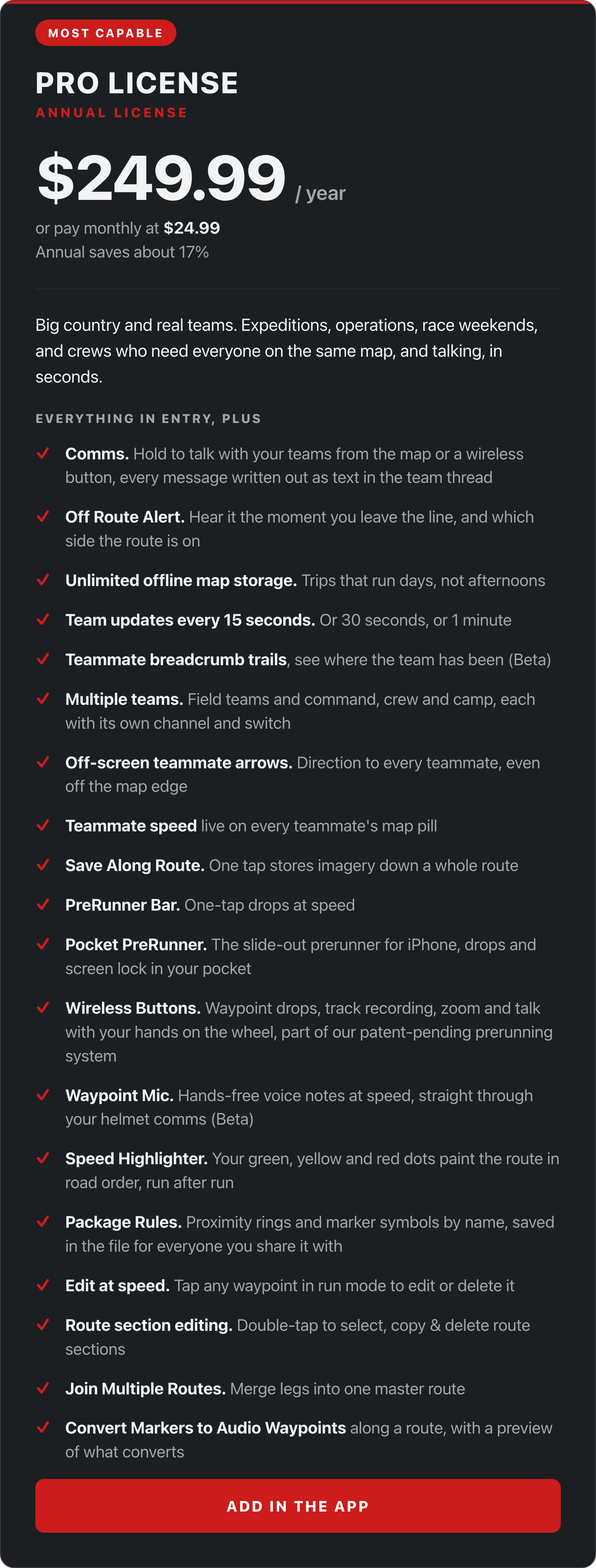
Get these LICENSES in the LEADNAV GPS application in Settings > LICENSES & Add-Ons
The maps that we use are not owned by LEADNAV and their availability and offline use within our application and your license are subject to change. You do not own these maps under your license. You are borrowing them from these outside providers under the current terms they provide. We also have the right to change features and pricing at any time as we continue development and negotiations with our partners.
Licenses are Auto-Renewing via Apple and your Account!
See more in our terms of use.
Teams, agencies and fleets
Departments, race organizations, fire and utility crews, SAR teams and fleets do not buy software one Apple account at a time. If that is you, talk to us and we will structure it around how your organization actually purchases.
Tell us the size of the team and how your organization buys software. Enterprise licensing is a conversation, not a checkout.
LeadNav is a service-disabled veteran-owned business. If your organization has veteran-owned or supplier-diversity contracting requirements, tell us and we will work through the paperwork with you.
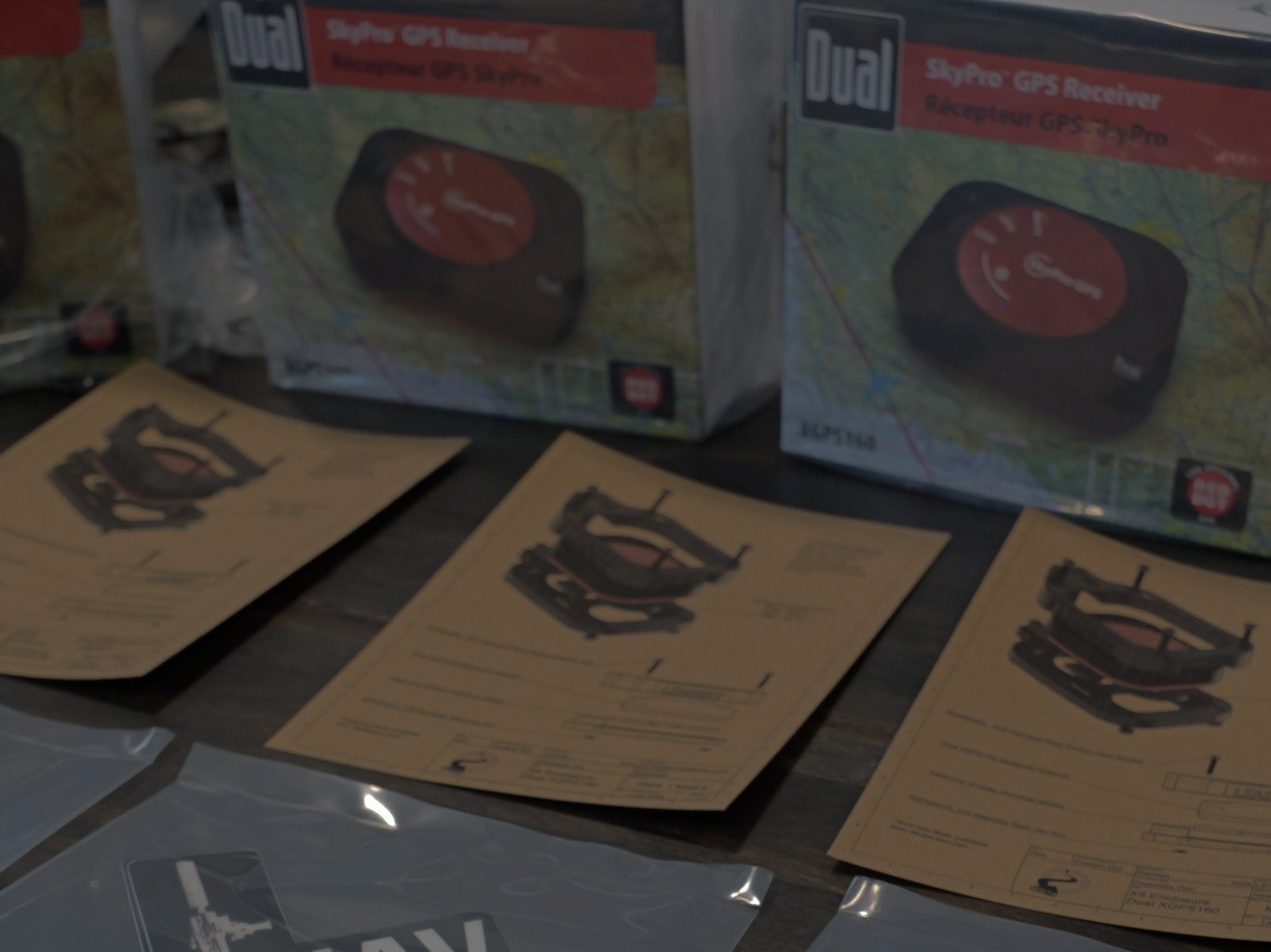
GPS ANTENNA
Global Positioning System
Step 3
Do I need a GPS Antenna…will LEADNAV work without cellular service?
Folks confuse cellular service “data” with “GPS” (Global Positioning System).
LEADNAV GPS will work as a “GPS” any where world-wide if it is on an iPhone or iPad cellular/Wi-Fi model (no actual cell service plan needed). This is because an iPhone and a cell model iPad have a built-in GPS chip that will triangulate (global position) that device off of satellite. Wi-Fi only iPads do not have this chip and WILL need an additional device to do this.
We highly recommend investing in the Cellular + WiFi model iPad versus the WiFi only. Even if you plan to use the more powerful external antenna, this gives you a backup and GPS capability when just carrying the iPad by itself.
This antenna is NOT a Data device…it is not going to load the background maps or let you surf the internet. Those are prepped and saved through our App Licenses (go back to Step 2)

HARDWARE AND MOUNTS
Protect and Secure
Step 4
Now you just need to protect and mount it up
or just carry it slick if you like living on the edge…
This is where it really comes down to you and your budget. There are plenty of affordable cases and mounting options that will work.
We primarily cater to professional builds and full custom mission packages
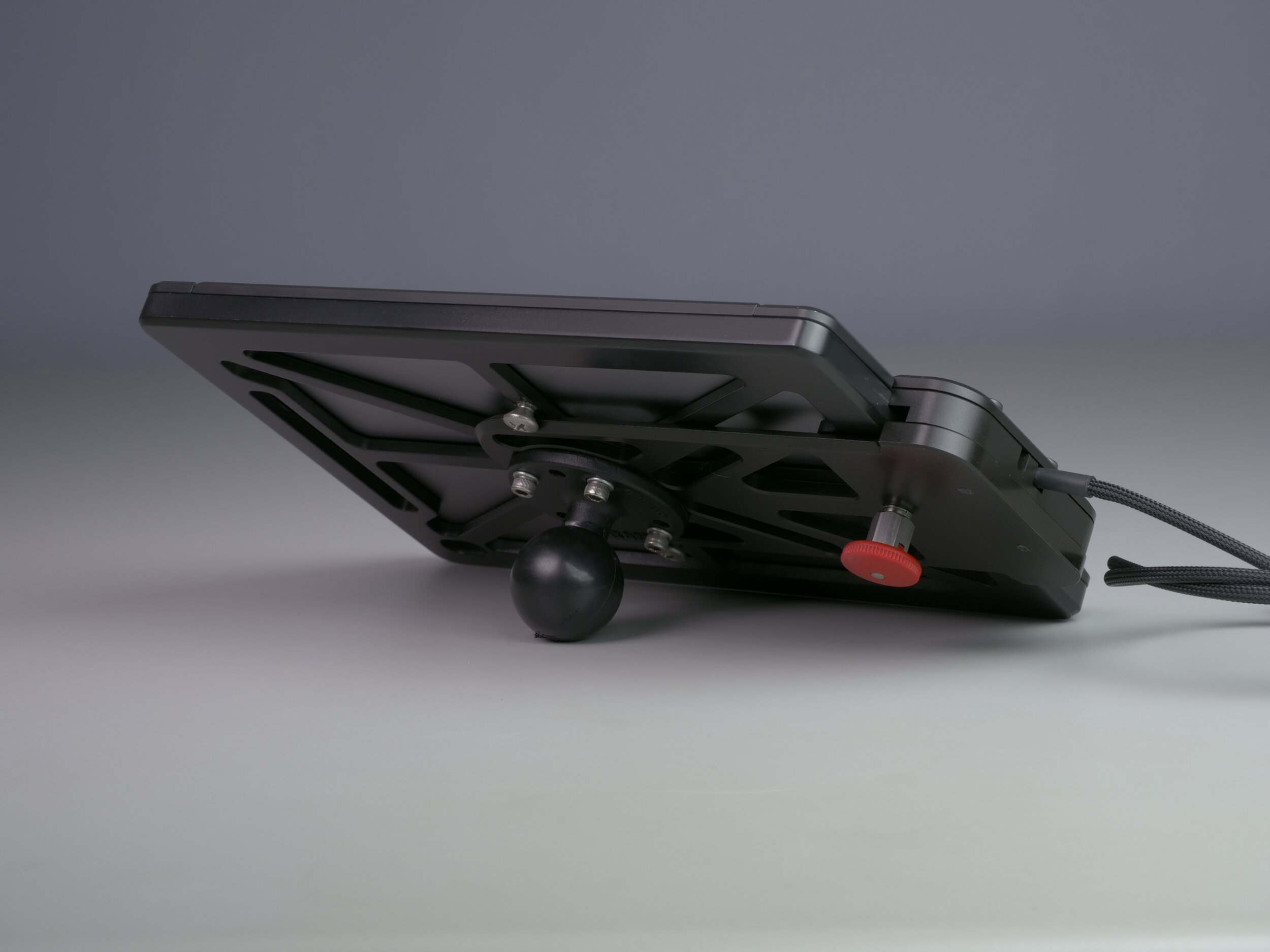
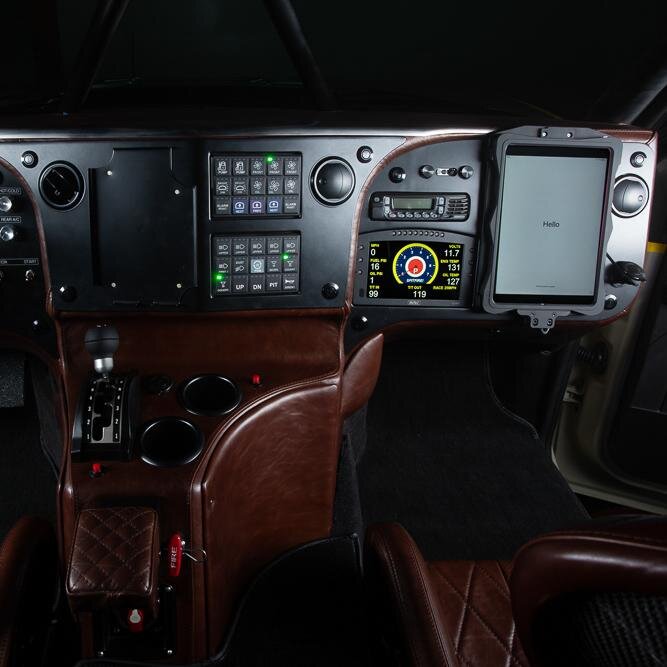
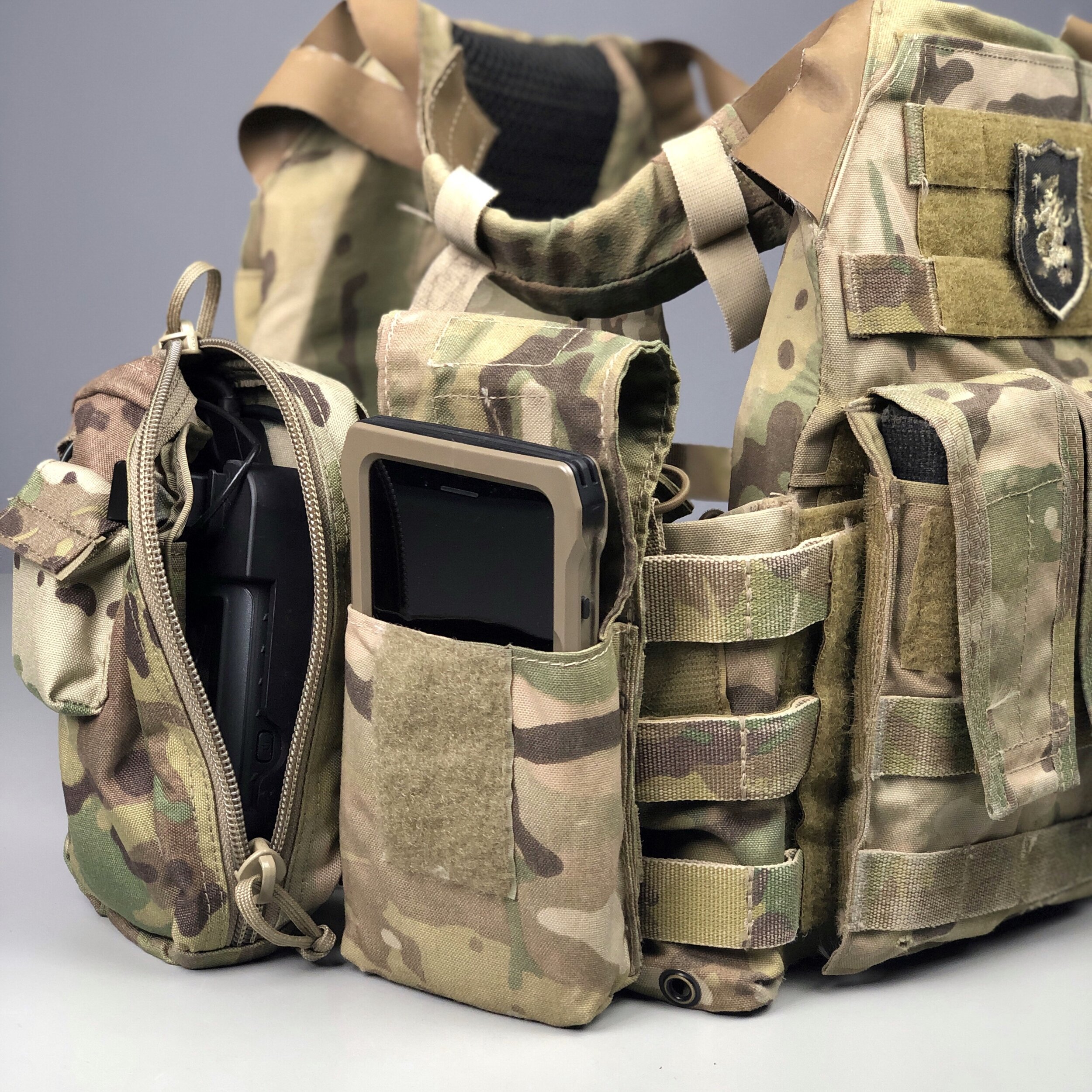
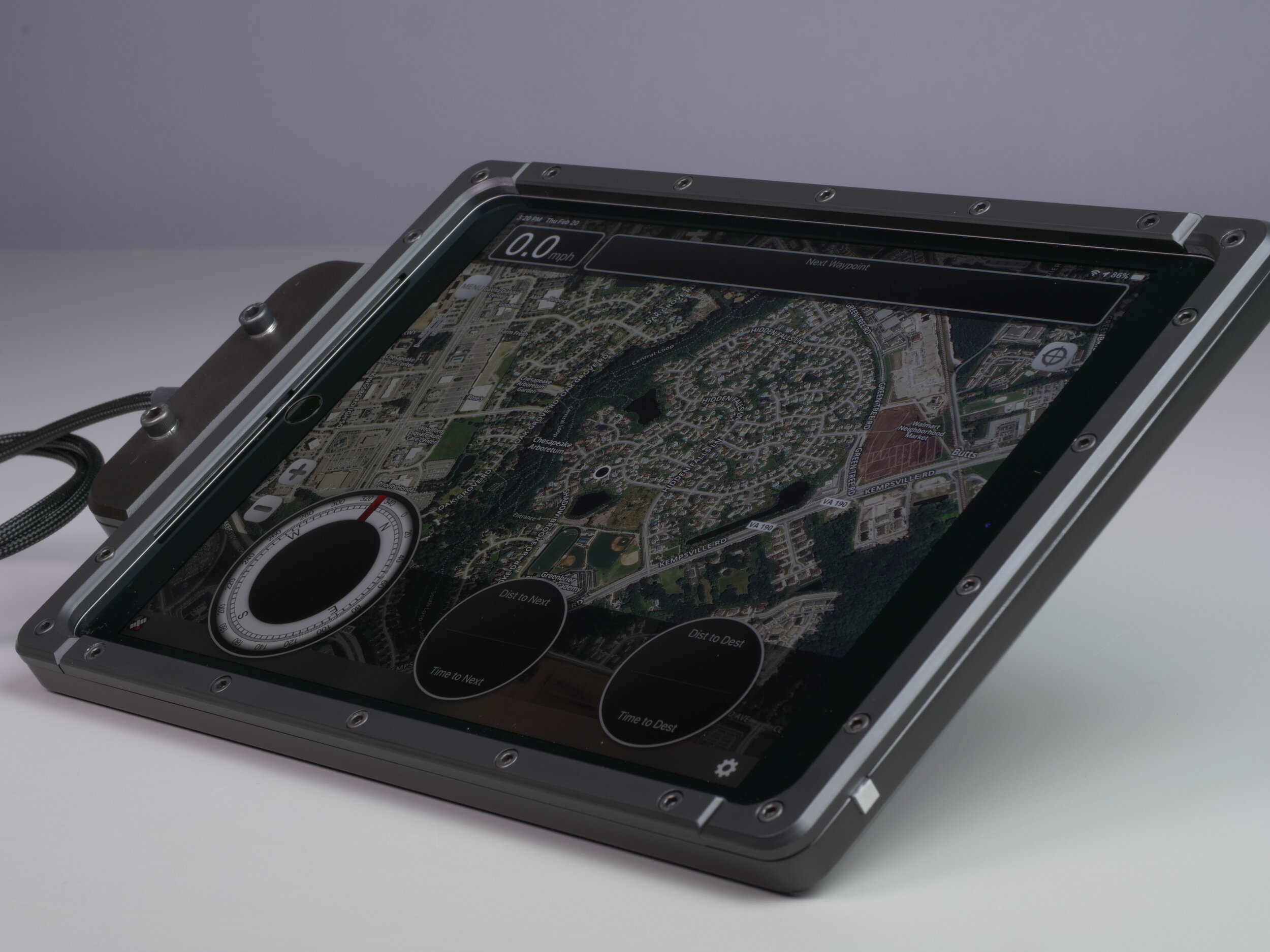
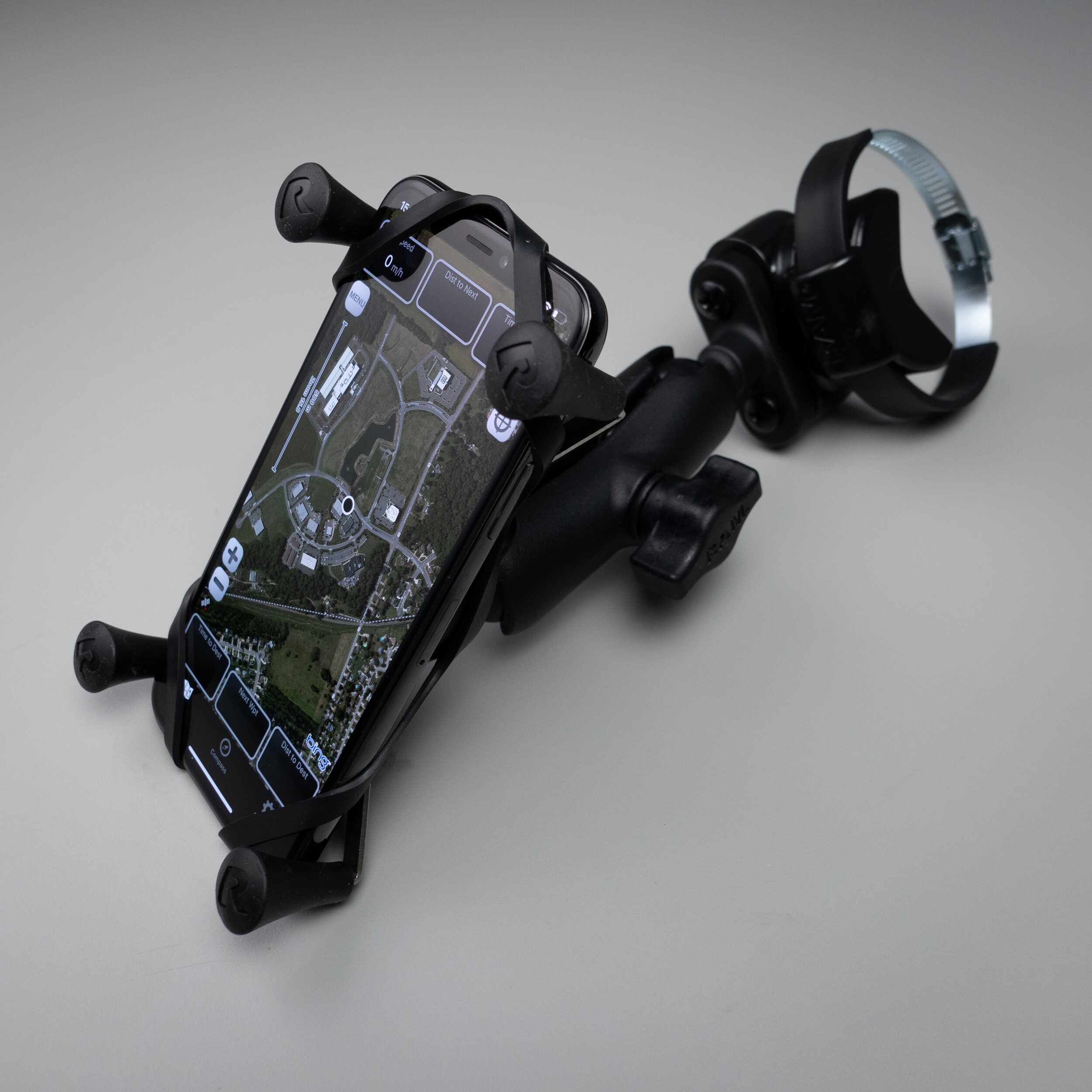
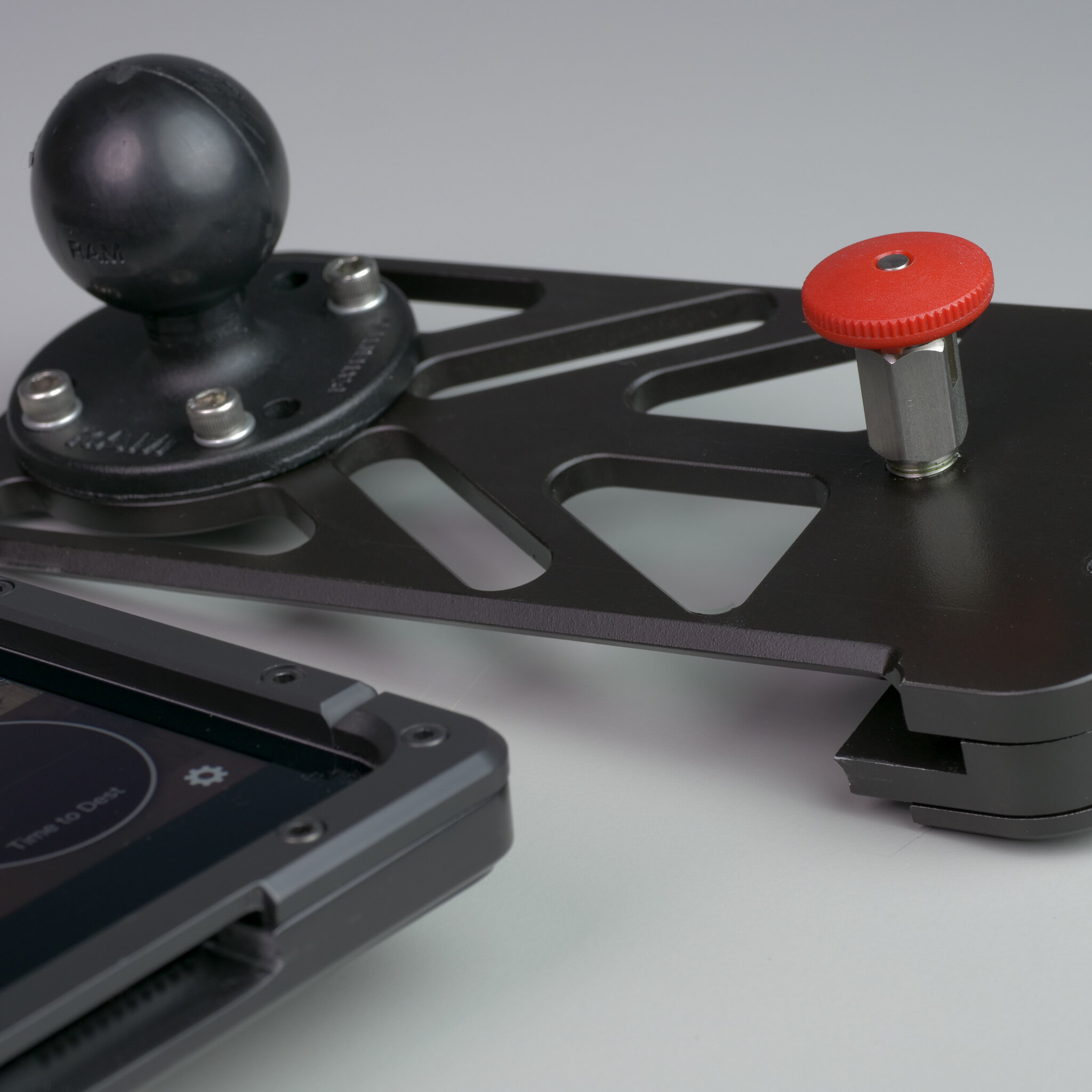
However, we do offer some limited batch options for individual purchase, up on our online store


YOUR WHOLE TEAM ON ONE MAP
Command, control and situational awareness in the field
Looking to add communication and real-time group tracking?
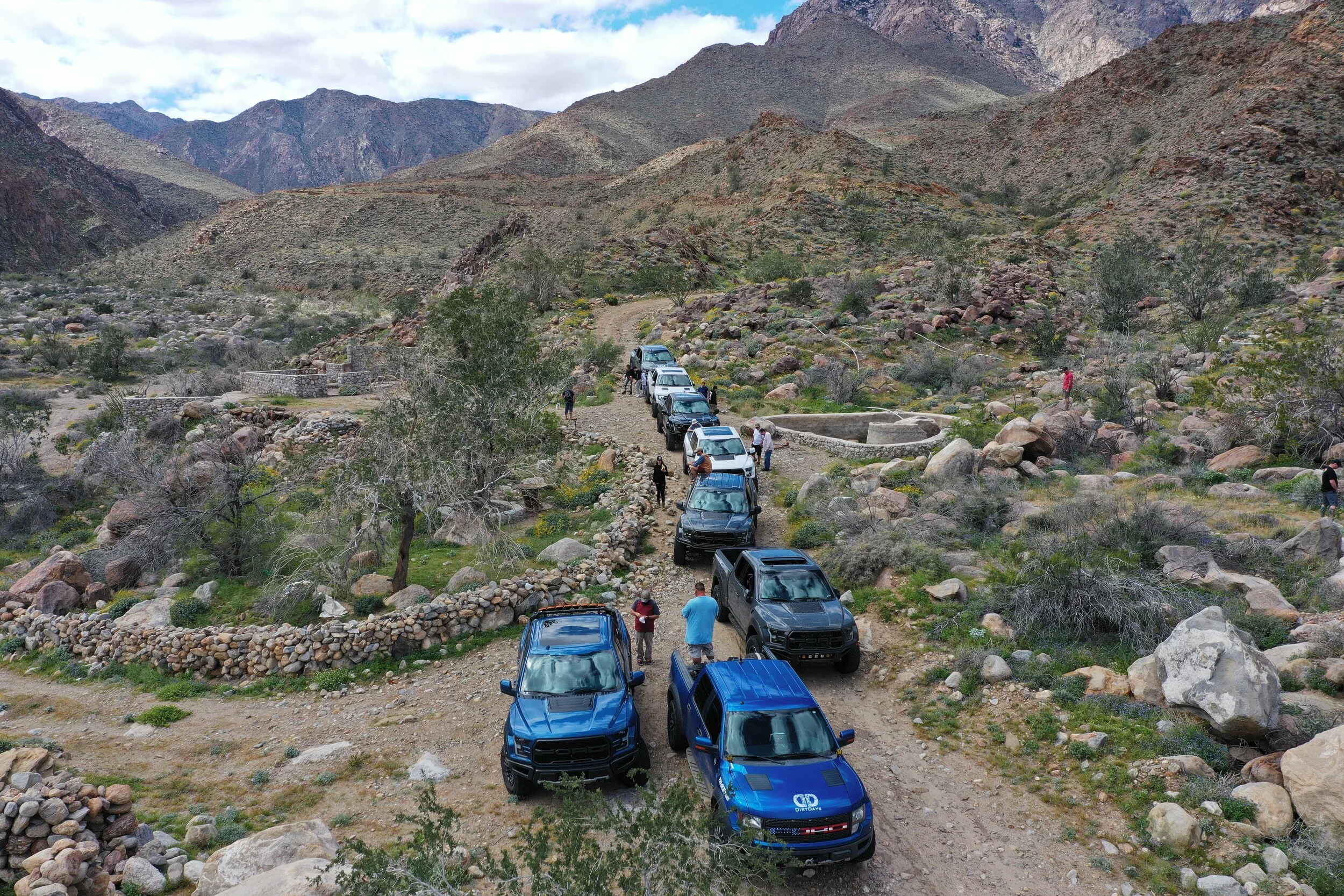
Most groups in the backcountry run on radio calls and guesswork. Someone asks where you are and you describe a hill. Someone misses a turn nine miles back and nobody notices for twenty minutes. A chase truck waits at the wrong crossing.
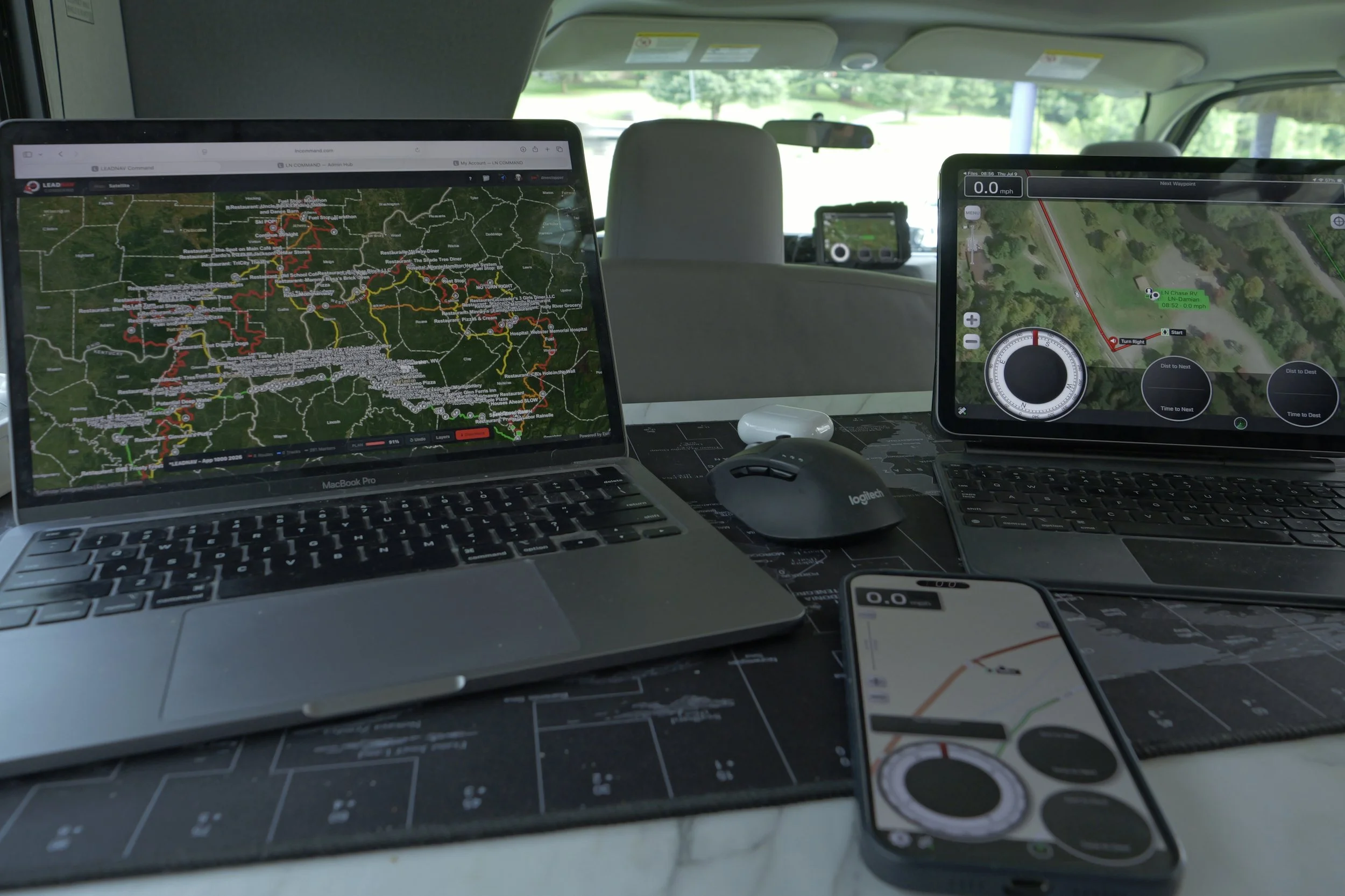
LeadNav replaces the guessing. Every device in the team shares position on the same map, live, and nobody has to say a word for everyone to know where everyone is.
Group tracking is included in the core software. Not an add-on, not extra equipment, not another license.
One Team Code, a QR or a link builds the whole team. Comms, hold-to-talk voice and text with your teams, is part of the Pro License.
YOUR PHONE STILL DOES THE REST
Messages, FaceTime and phone calls keep working alongside LeadNav, over cellular, over Wi-Fi, and over Starlink, on the device already mounted in the dash.
What your phone cannot do is put everyone's position on one map, or let the whole team hear one call at once. Those are the parts we build.
WHAT LEADNAV ADDS IS THE PICTURE, AND NOW THE VOICE
Talking tells you what one person knows. The map tells you what the whole team is doing.
Live positions for every device in the team. Online or offline status on each teammate, so you know at a glance whether a position is current or whether someone has gone dark. Speed on each teammate alongside your own. Off-screen arrows pointing to teammates outside your current view. Breadcrumb trails showing where each teammate has actually been, not just where they are now. Multiple teams, so the race crew, the chase crew and the family are not all fighting for room on one map.
It keeps working with the screen off. Background tracking means positions keep flowing while the phone is in a pocket or the iPad is asleep. Most tracking apps quietly stop the moment the screen locks. This one does not.
With a Pro License, Comms puts a hold-to-talk pad on the map and on your wireless button. Press, speak, release, and your teammates hear you a few seconds later. Every message is also written out as text in the team thread, so a call you missed at speed is still there when you look down.
Over whatever connection you have
Group tracking rides on any internet connection. No proprietary radio, no dedicated tracker, no separate service plan.
Cellular, where you have a bar or two. Position updates need very little.
Wi-Fi, at camp, in the pits, at the hotel the night before.
Starlink, where there is nothing else. A dish at camp or a terminal in the chase truck now puts a connection in places that had none five years ago, and group tracking works straight over it with nothing to configure.
When the connection drops, the app keeps navigating offline and picks the team back up when a path returns.
No account. No login. Nothing to harvest.
Every other tracking app starts the same way. Create an account, verify an email, hand over a profile they can build on.
LeadNav has no account system at all. You cannot create a login because there is not one to create. We do not have your email address, your name, or a password, because there is nowhere to put them.
Your team identity is a random string the app generates. It is not your device ID, not your phone number, not your Apple ID, and it is not derived from anything about you or your hardware.
Each team you run with gets its own separate random ID. The race crew's ID and the family's ID have nothing in common.
Reset it whenever you want, any team, one tap. Your ID is the key to your position, so you decide who holds it and you can change the lock any time.
We keep as little as the map needs. Positions are kept only long enough to draw the team's trails and expire on their own within about a month. Voice messages expire within about a week and their text within about a month. Nothing is tied to a name, an email or an account, because there is none.
No account means no profile, no advertising identifier, and no behavioral record. There is no dataset here to sell. That is a consequence of how it was built, not a promise we are asking you to trust.
After the run
With Show Teammate Tracks on, part of the Pro License, every session saves as a file under the team. When the day is over you still have where everyone went, which is the difference between "that went fine" and an actual after-action review.
For a race organization that is a record of who ran what and when. For search and rescue it is coverage you can prove. For a work crew it is a timesheet that draws itself.